Tools for music makers
A suite of apps and tools to enhance your music-making experience.
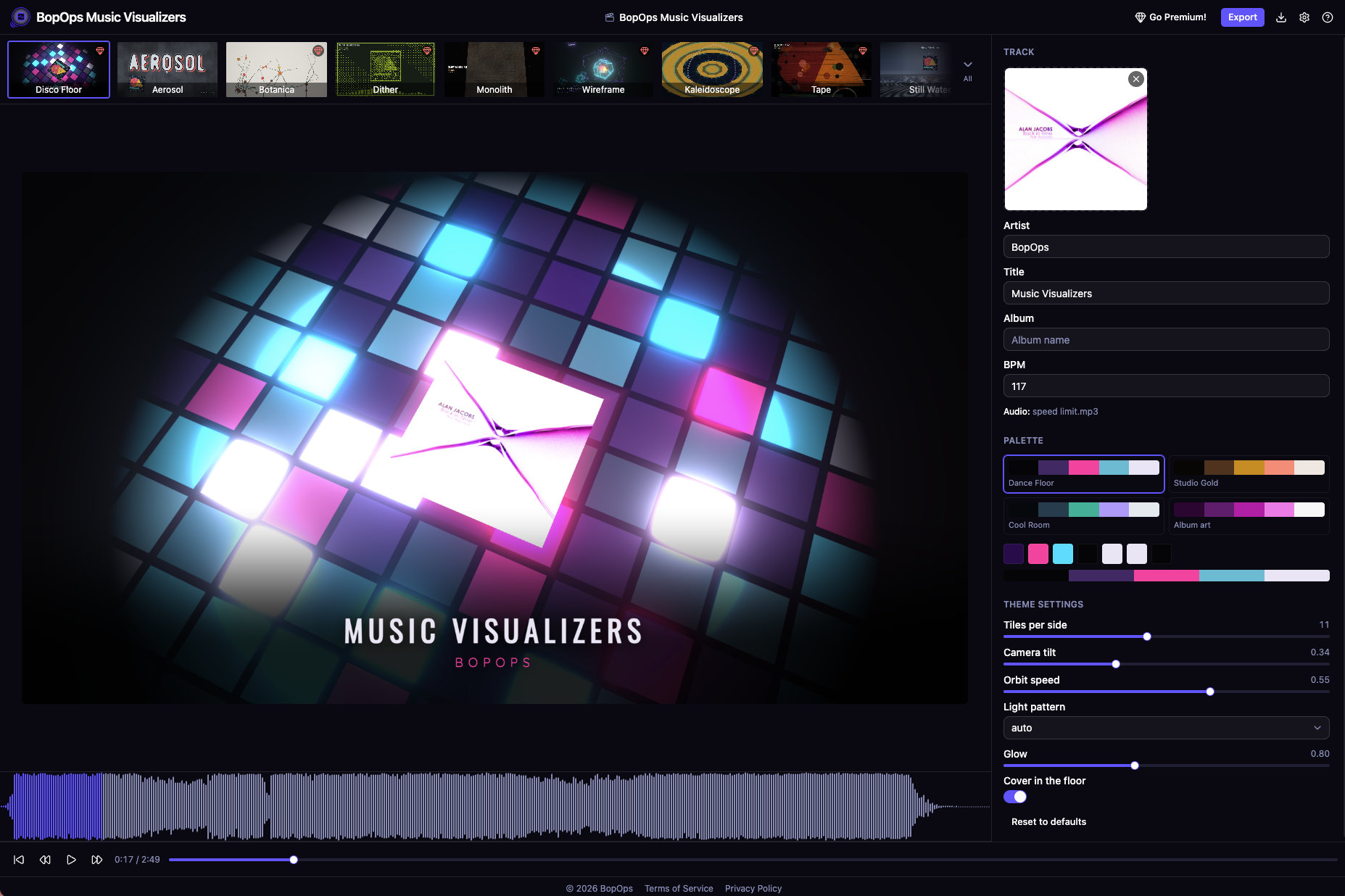
BopOps Music Visualizers
Music visualizer videos, made in your browser
Drop in an audio file, add your cover art, pick a look. A GPU-driven visualizer that moves with your music, exported up to 4K — no upload, no render queue, no account.
- Beat-Accurate Themes:
- The whole track is analyzed before the first frame — spectrum, onsets, tempo, beat grid — so the visuals land on the beat instead of a fraction behind it.
- A Growing Library:
- Particle fields, ink in water, raymarched chrome, a neon grid, risograph plates, a dance floor firing tile by tile. New themes land regularly and they're included.
- Nothing Leaves Your Machine:
- No backend at all. Your audio is analyzed, rendered and encoded in your browser, and projects stay in local storage. Export MP4 or WebM, up to 4K.
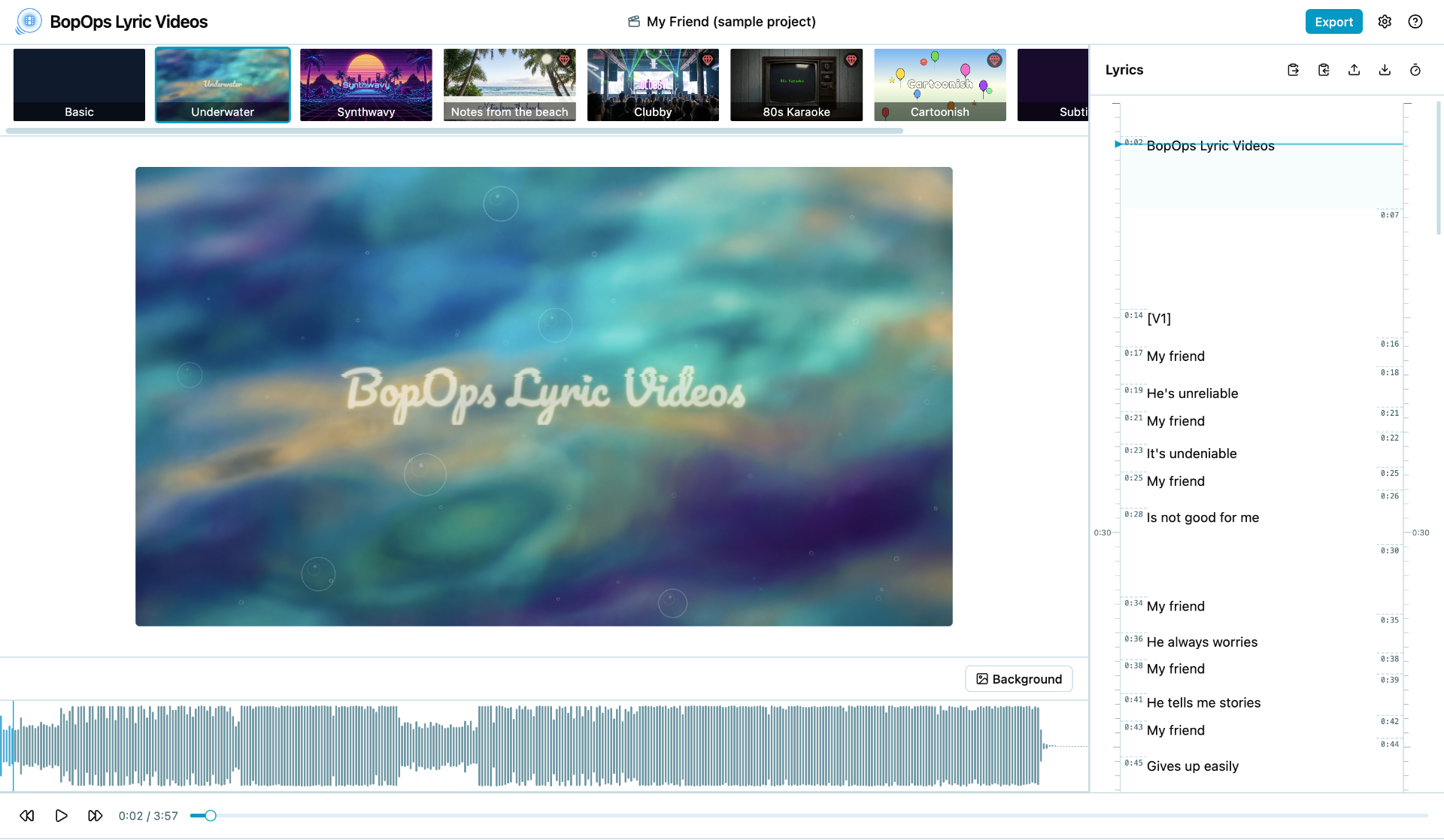
BopOps Lyric Videos
Turn Your Songs Into Stunning Lyric Videos
No installs. No subscriptions. No uploads to any server. Drop in your track and publish your lyric video in minutes — free, right in your browser.
- Tap-to-Time Lyrics:
- Hit play and tap the spacebar as each line comes up — BopOps Lyric Videos locks in the timing automatically.
- Cinematic Themes:
- Every theme is a complete visual experience with its own typography, animation style, and mood — and every theme is free to use.
- Up to 4K Export:
- Export at 720p, 1080p, 1440p, or 4K. Choose your codec — H.264, VP9, or AV1. Your browser handles the encoding, no server required.
BopOps Lyrics
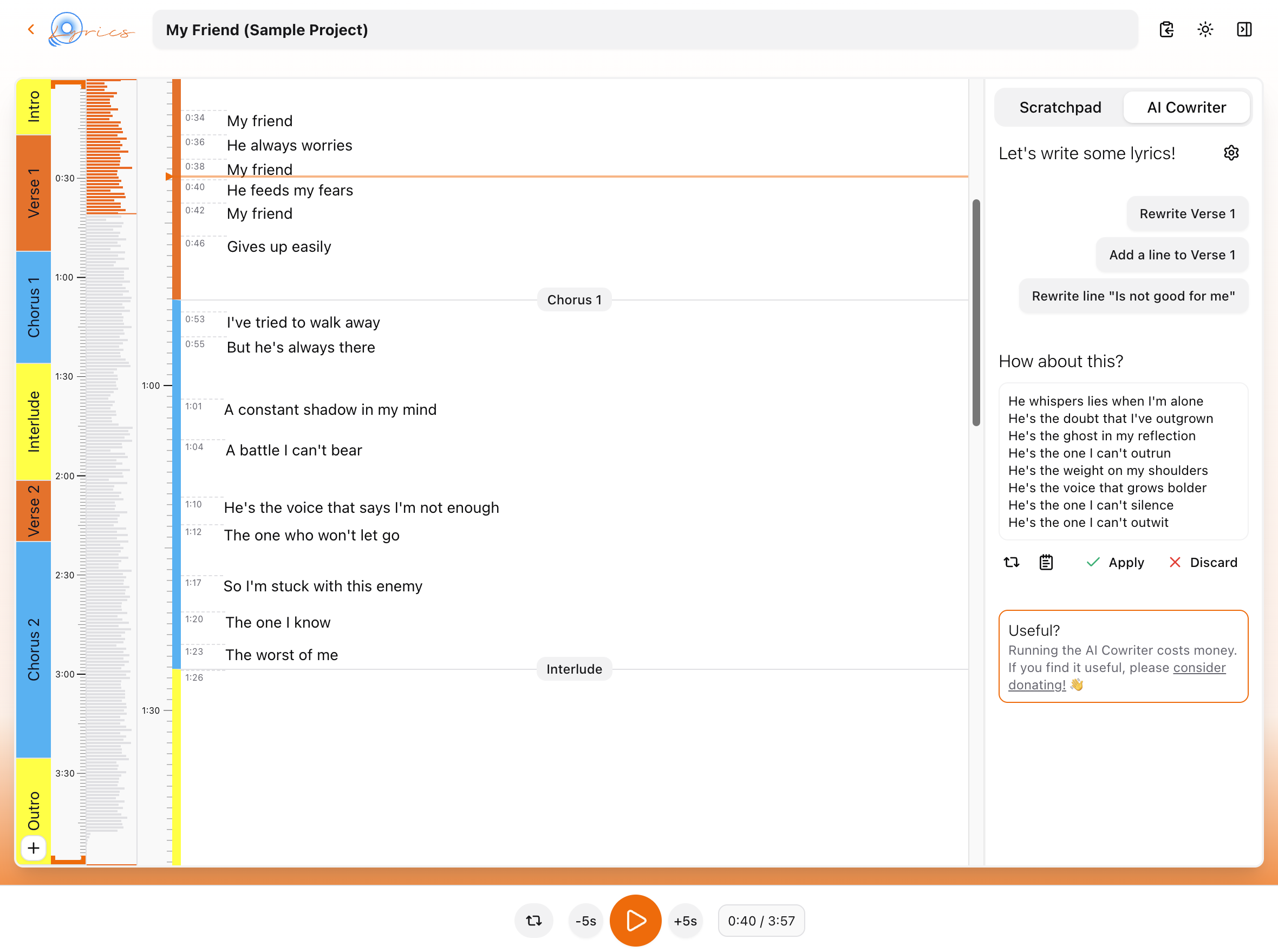
Lyricist's favorite editor
Write lyrics to your backing tracks.
- Loops Sections:
- Loop song sections or arbitrary phrases to work out the perfect lines.
- Align Lines to Time:
- Move lines to their exact position on the timeline for better results.
- AI Cowriter:
- Passive AI Cowriter is ready to help whenever you get stuck but stays out of your way otherwise.
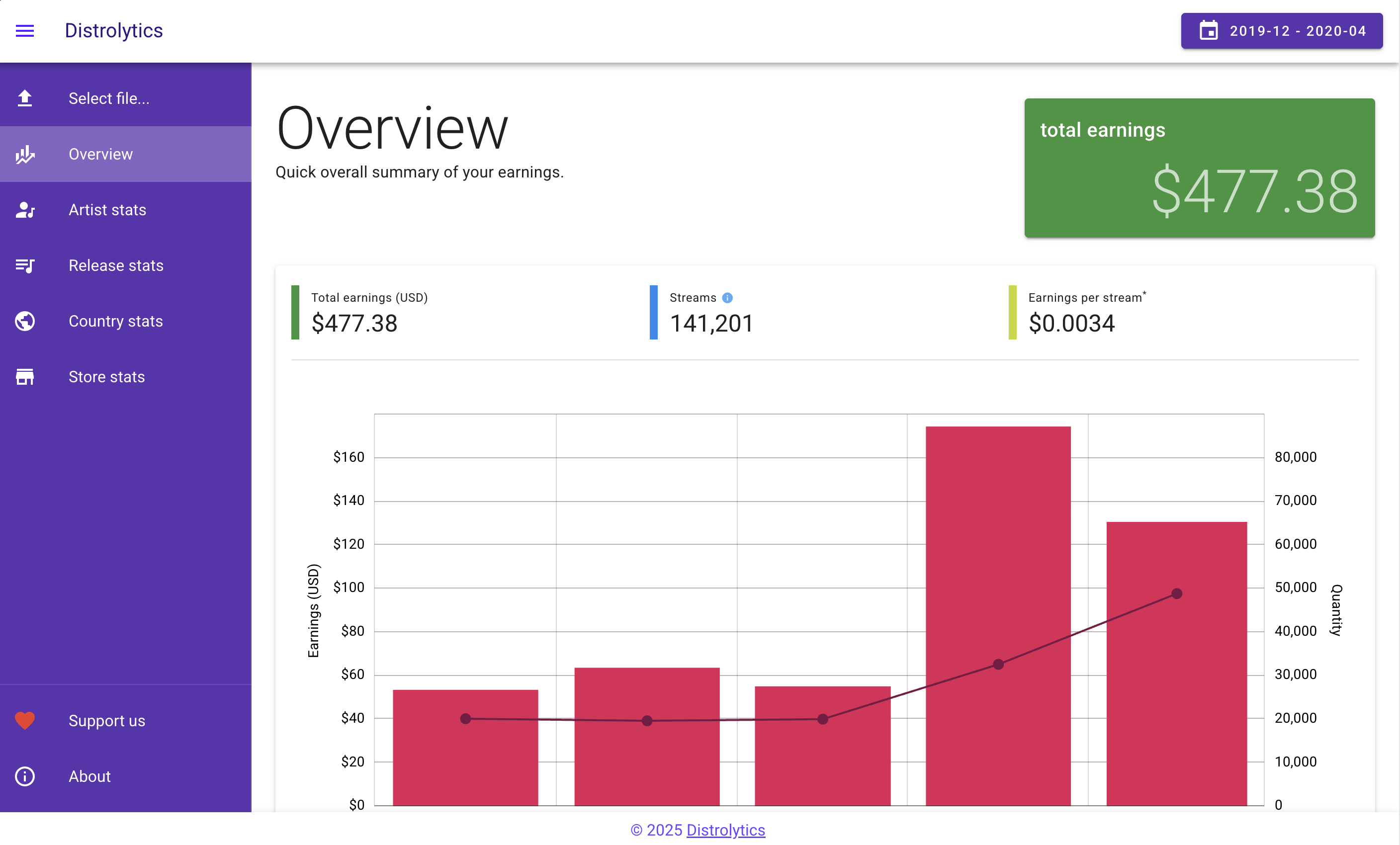
Distrolytics
Analyze your streaming revenue on DistroKid.
Get insights into your music's performance on Spotify, Apple Music, and more.
- Visualize Revenue:
- Get a clear view of your earnings across platforms.
- Slice and Dice:
- Analyze revenue by artists, releases, countries, or platforms.
- Spot Trends:
- Identify trends in your revenue data over time and make informed marketing decisions.
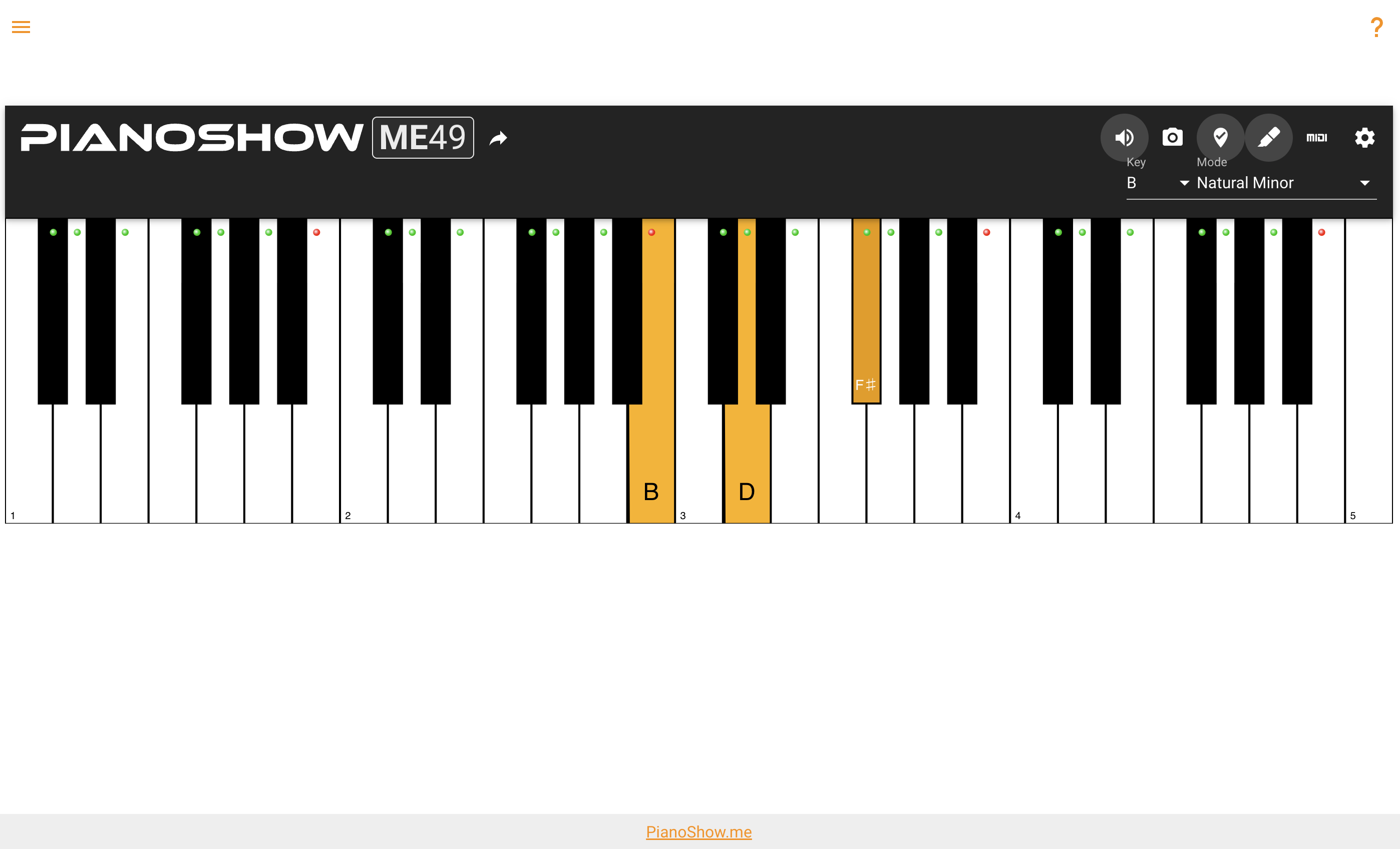
PianoShow
Show notes, chords, and scales on a piano keyboard
A piano visualization tool for musicians, educators, bloggers, YouTubers and anyone.
- All Inputs:
- PC keyboard, mouse, touch and MIDI controller support.
- All the Keys:
- 4 most common keyboard sizes for any situation.
- Share:
- Share chords and scales as links or screenshots.