
Reads your Lyrics
A Lyric video never keeps its own copy of the words. It always shows your current Lyrics.
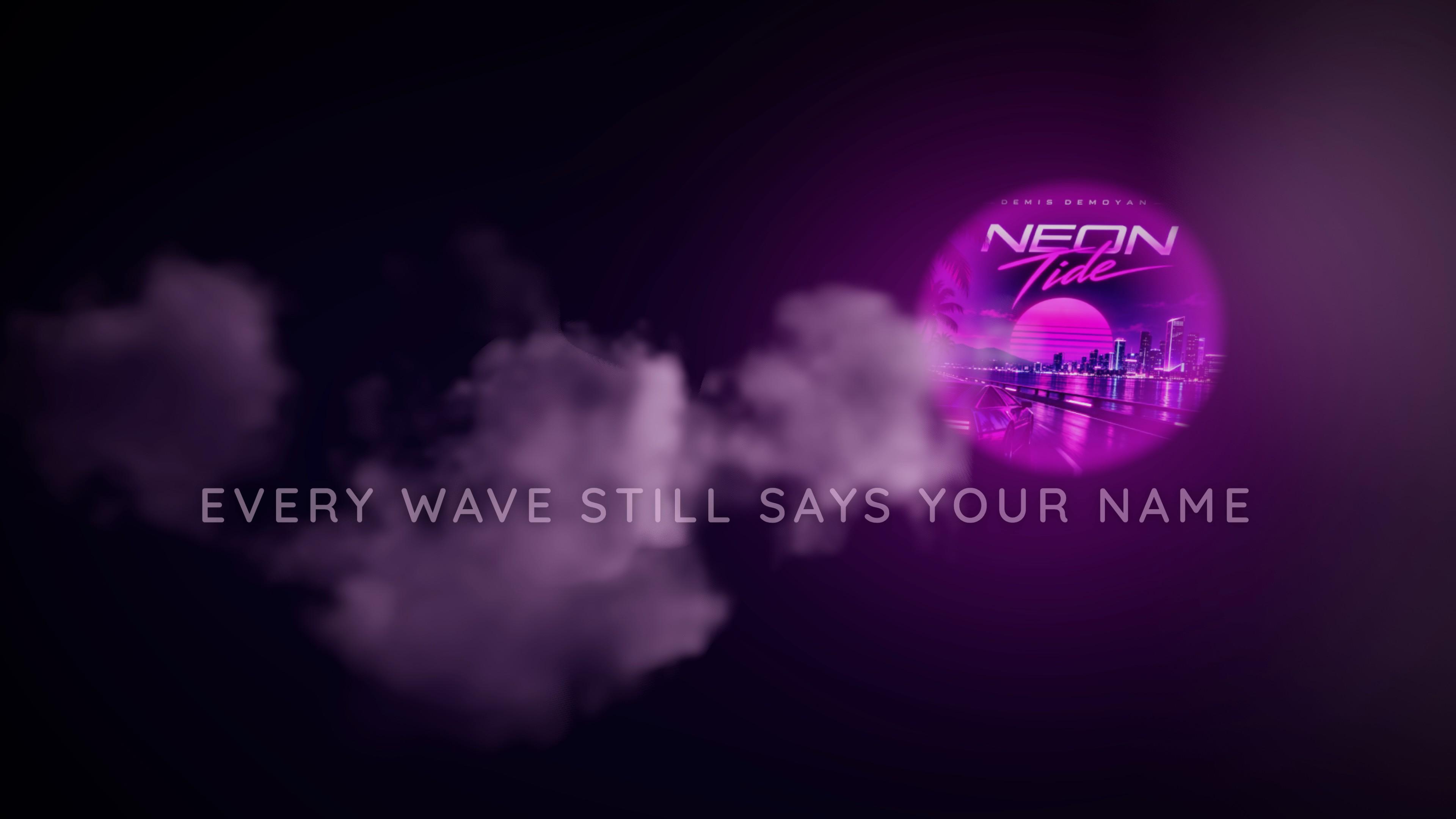
Time your Lyrics once and every Lyric video shows them in step with your song. Pick a Theme, choose landscape or portrait, and export.
A Lyric video never keeps its own copy of the words. It always shows your current Lyrics.
Change a word or a timing in Lyrics and every Lyric video of that Version updates.
16:9 for YouTube, 9:16 for Reels, Shorts and TikTok. Adjustable text size.
Words and timing live in one place: the Lyrics Tool. Spot a typo after you've made three Lyric videos? Fix it once in Lyrics and all three are right.
Free and premium Themes, each with its own controls. Premium Themes work on every Plan; on Hobbyist they carry a small watermark.
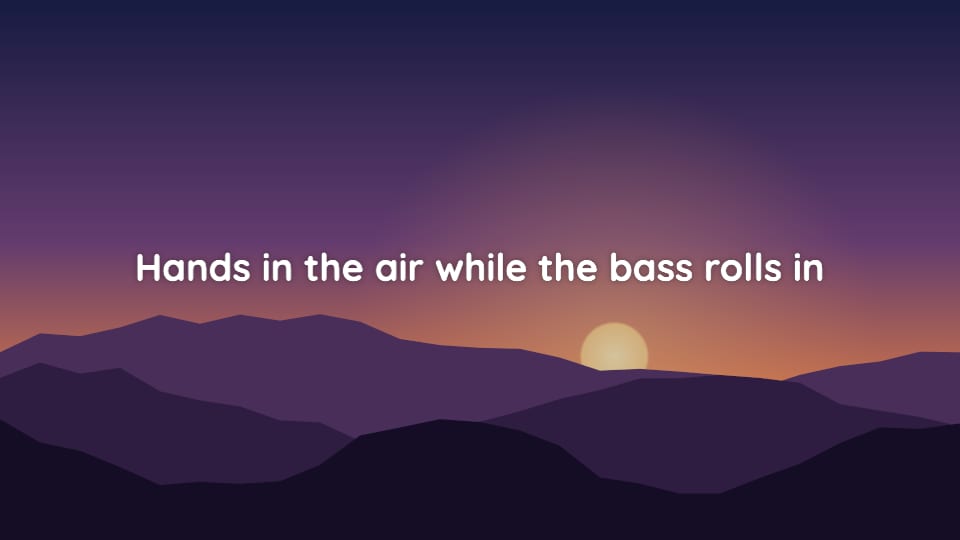
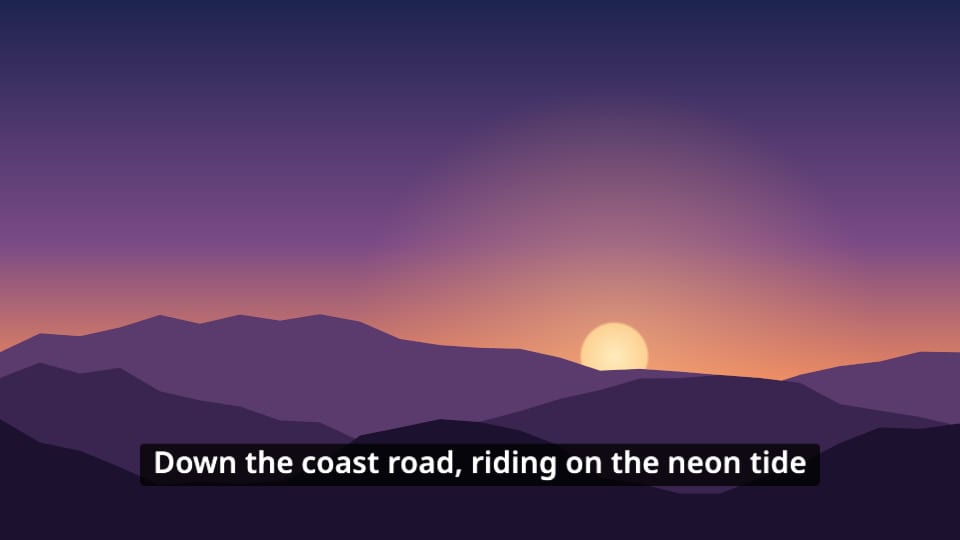
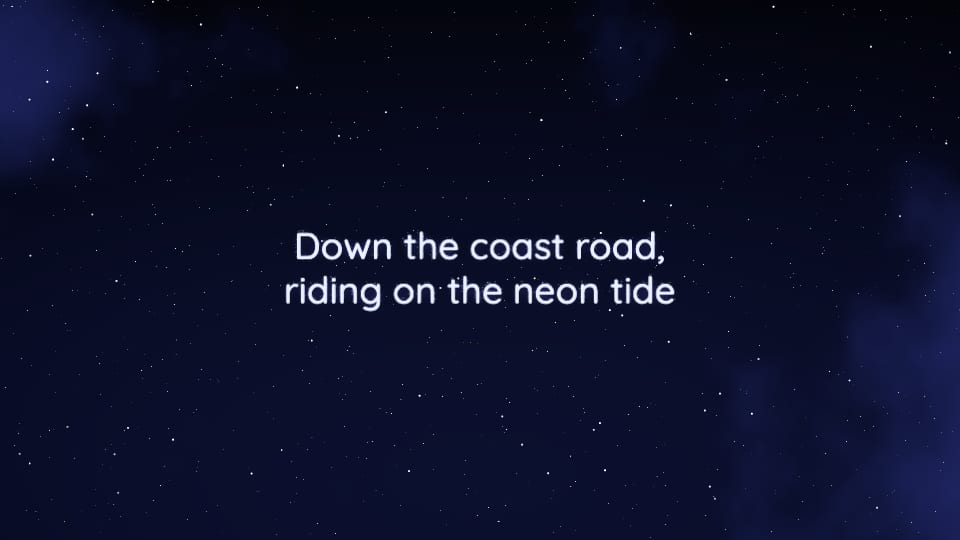
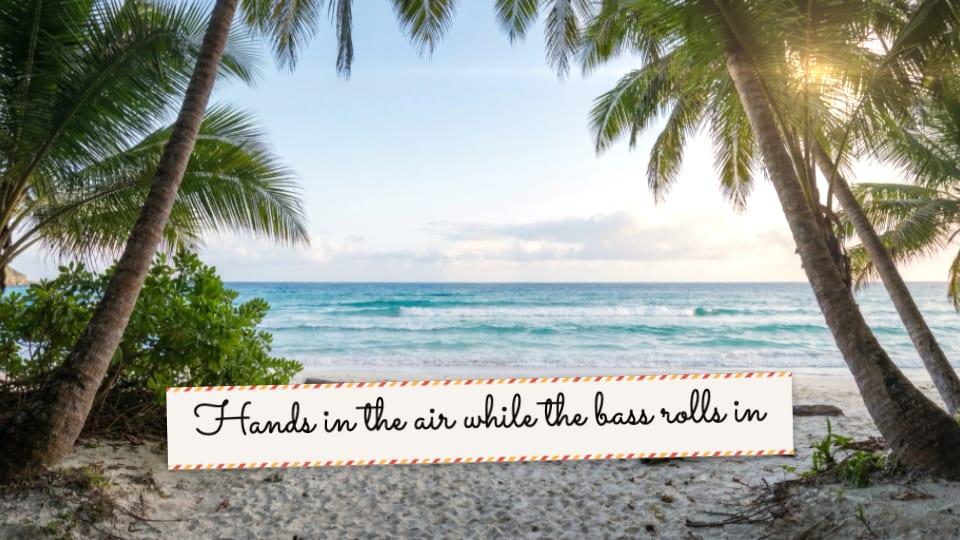
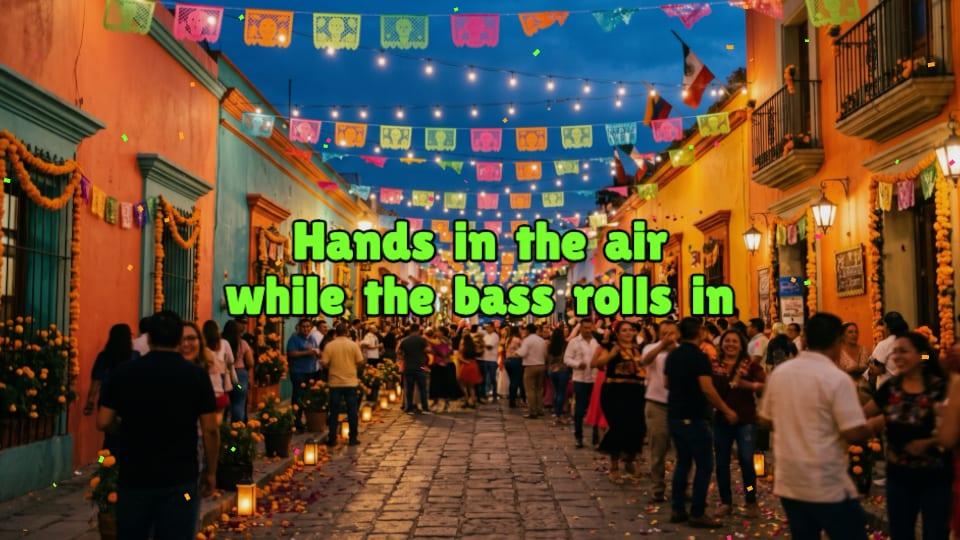
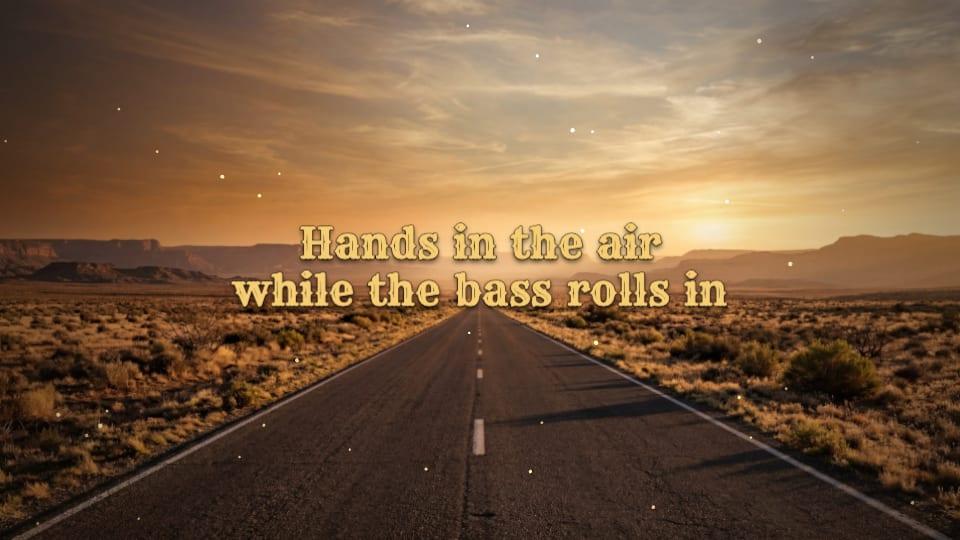
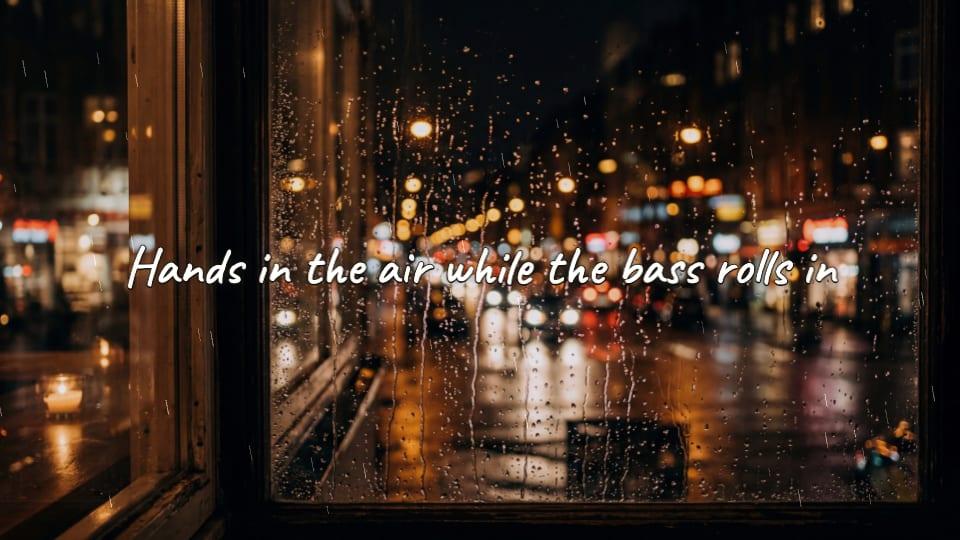
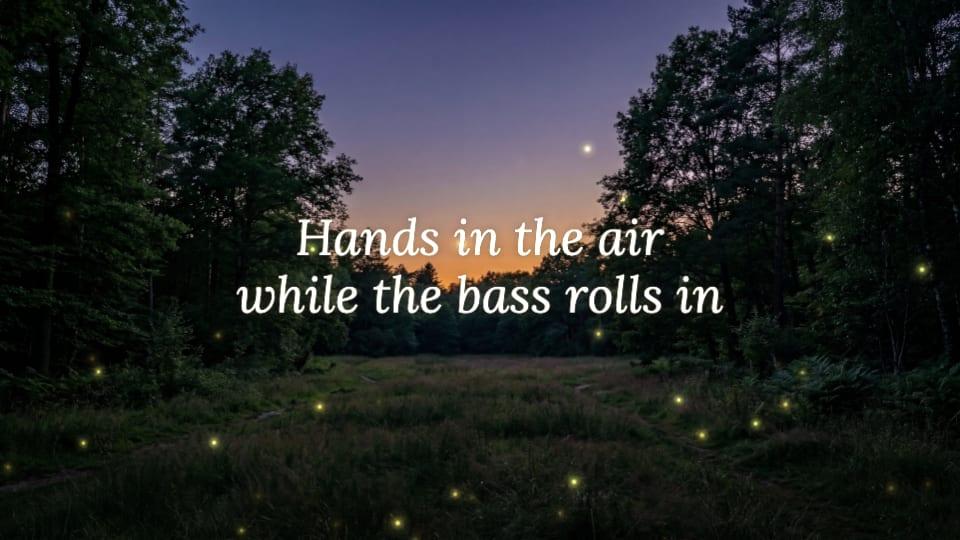
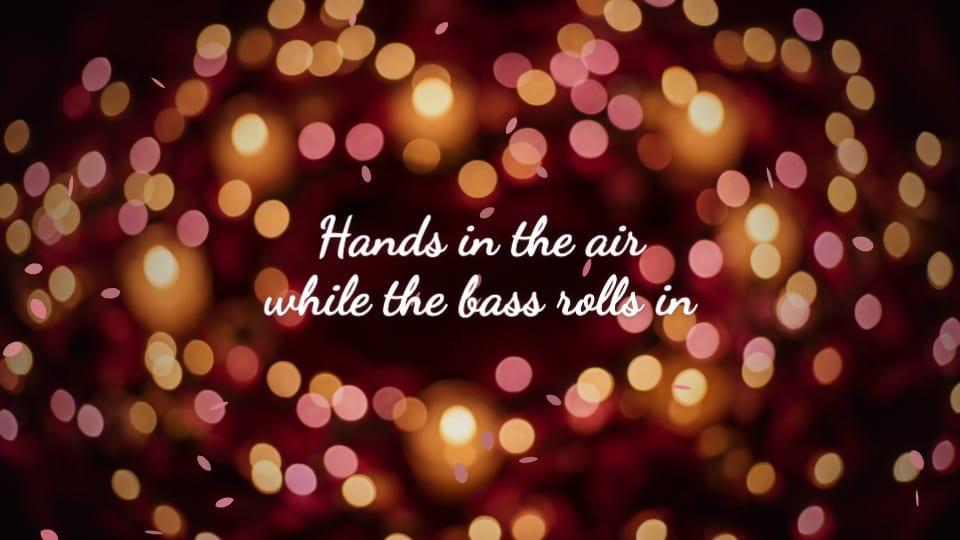
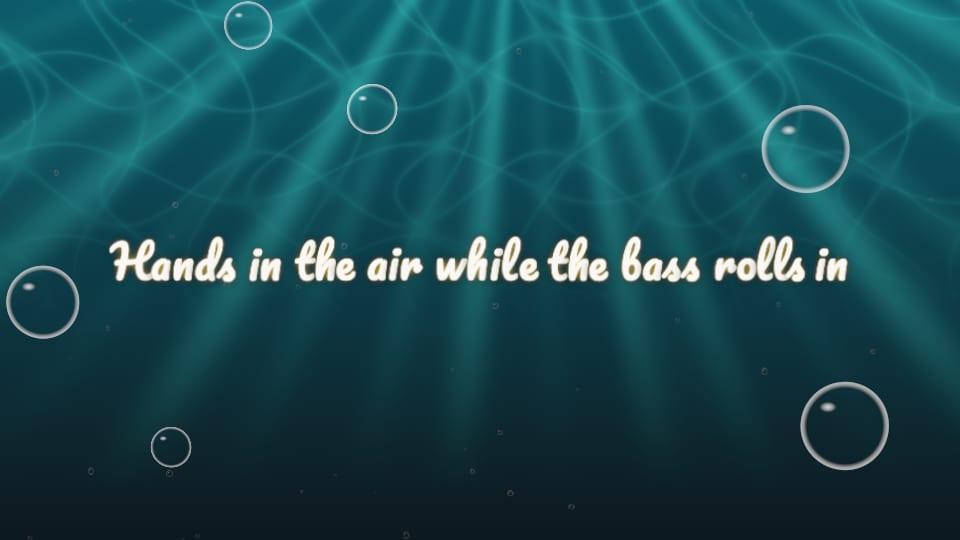
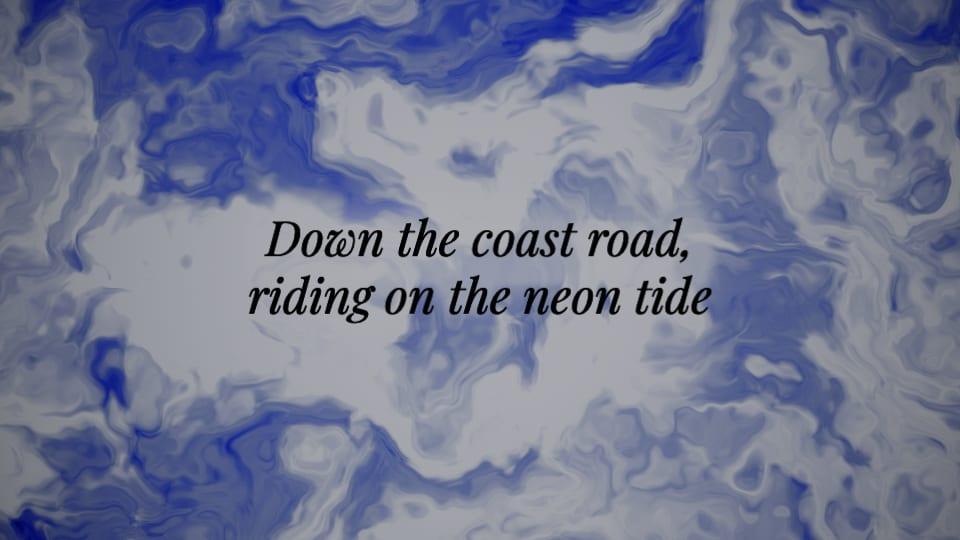
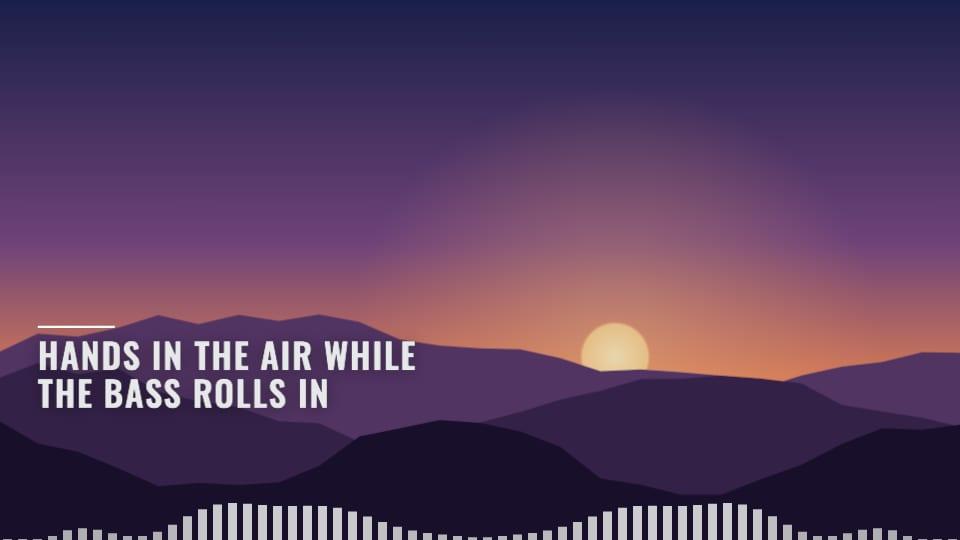
Lyric video Themes are their own set, even where a name matches a Visualizer Theme.
Tint the Theme with your Cover Art's Palette or a preset, show or hide the title and artist, set the text size, and add a Background from your library, the BopOps set, or AI Backgrounds.
BopOps Studio warns you before exporting if the Lyric video has no words, if the Lyrics were timed on a different mix, or if the audio is still a draft.
Yes. A Lyric video shows your Lyrics in time with the audio, so it uses the timing you set in the Lyrics Tool. Tap timing makes that quick.
Yes. Each Version has its own Lyrics and audio, and any number of Lyric videos.
Only on premium Themes, and only on Hobbyist. Free Themes never carry one.
On your computer, when you export. BopOps Studio doesn’t keep a copy.
Start on the free Plan. Add a Song and see what it turns into.
Free forever on Hobbyist. No card needed.