
Moves on the beat
BopOps Studio analyzes your audio on your device and finds the BPM, the beat grid and the waveform. Every Theme follows them.
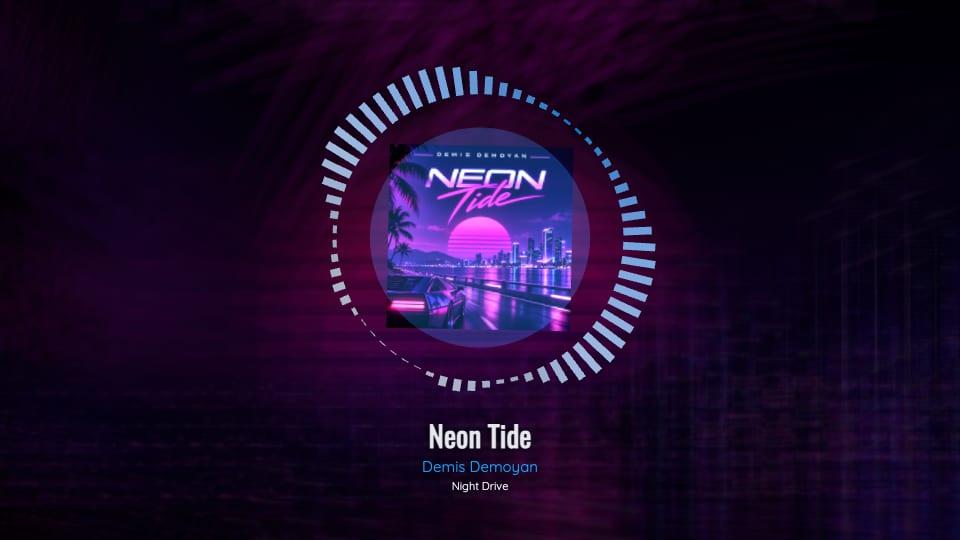
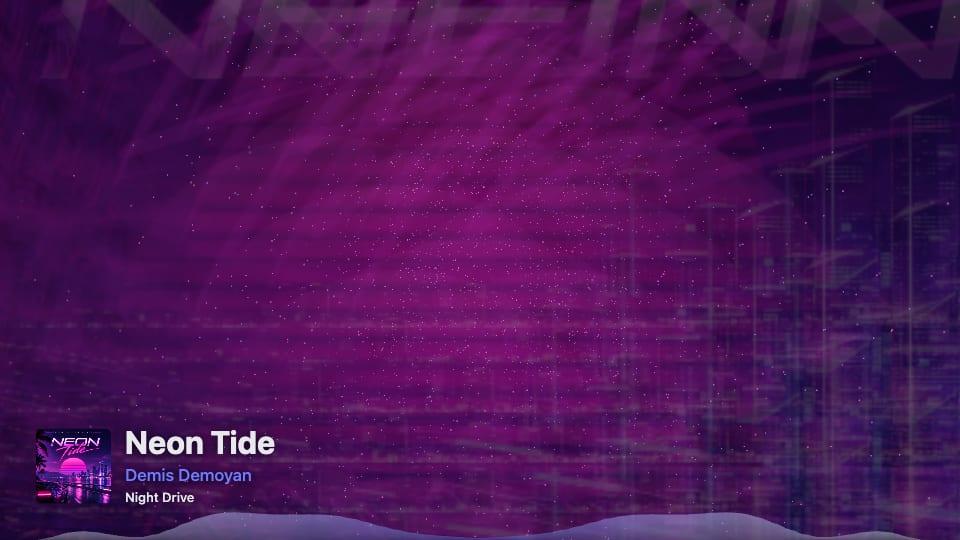
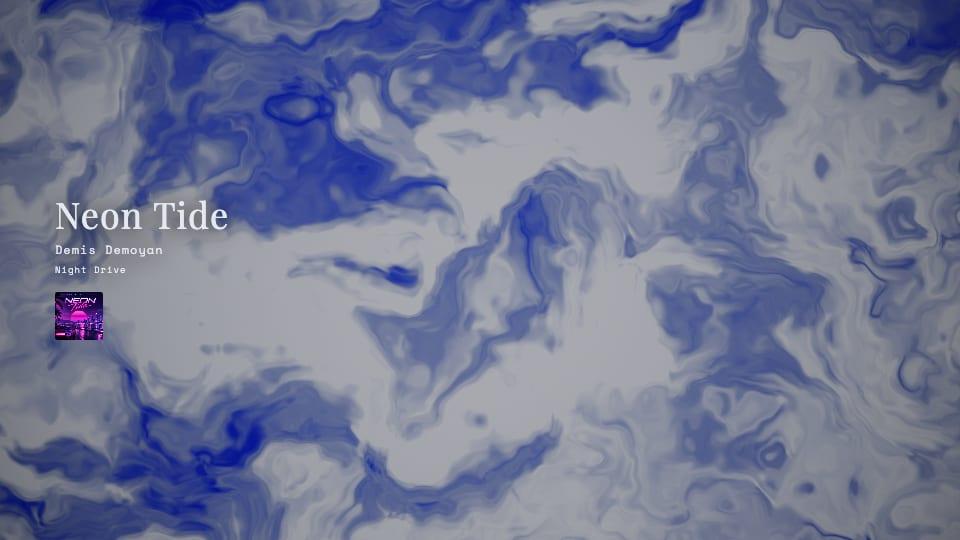
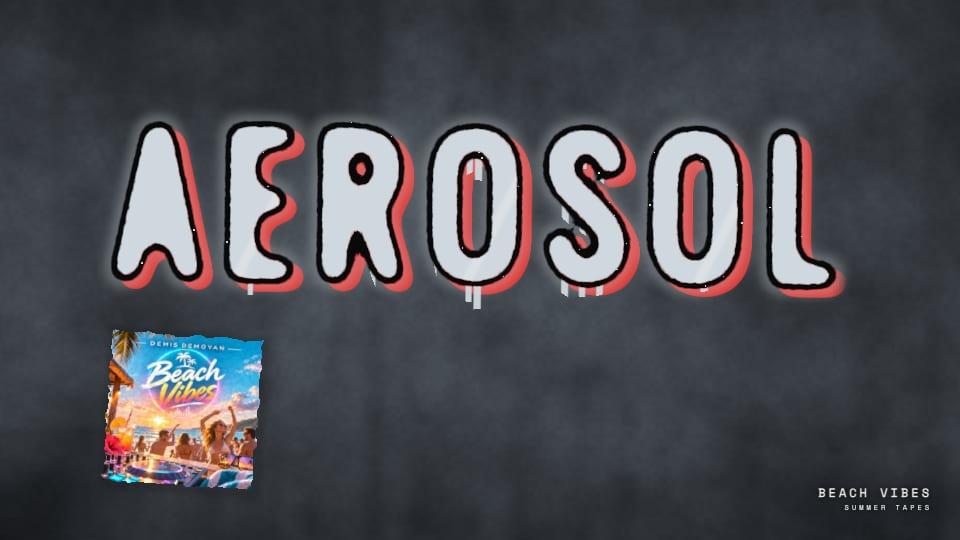
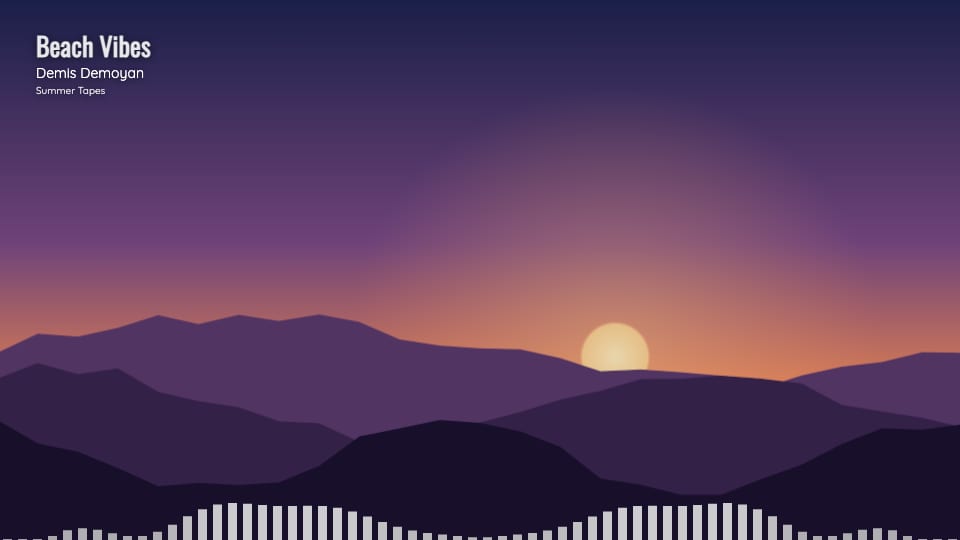
Choose a Theme and BopOps Studio animates it to your song: the tempo, the beat and the sound it detects in your audio. Your title, artist and Cover Art are already there.
BopOps Studio analyzes your audio on your device and finds the BPM, the beat grid and the waveform. Every Theme follows them.
Title, artist and Cover Art come from your Song. Nothing to type in.
Make any number of Visualizers for a Version, or duplicate one to try a new look.
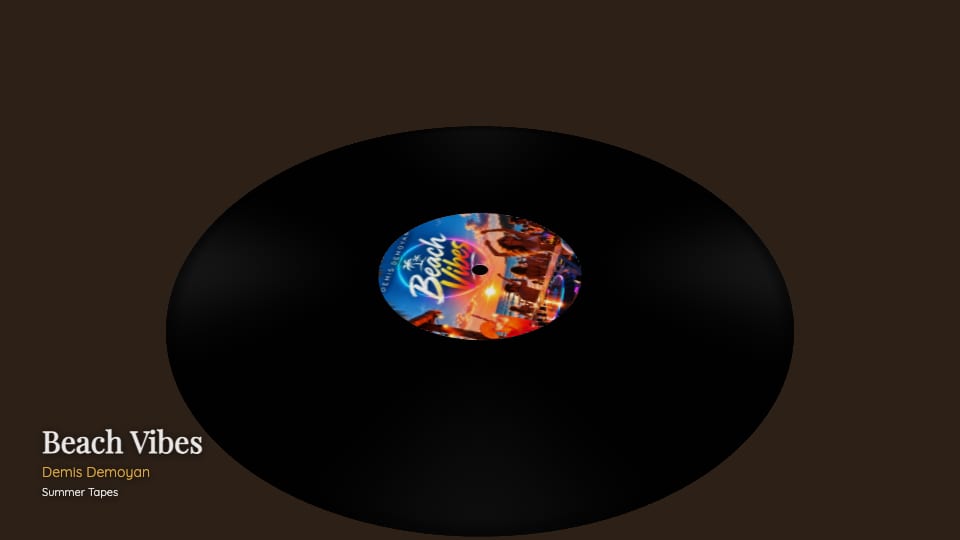
From the soft glow of Pulse to the stage lights of Disco Floor, each Theme has its own controls and a variation button that reshuffles its details. Premium Themes work on every Plan; on Hobbyist they carry a small "Made with BopOps Studio" watermark.
 Premium
 Premium
 Premium
 Premium
 Premium
 Premium
Tint any Theme with your Cover Art's Palette, or pick one of the Theme's presets. Add a Background: an image or looping video of your own, one from the BopOps set, or one made with AI Backgrounds.
Switch between 16:9 and 9:16 at any time. When you're happy, export straight from your browser. It runs on your own computer, so nothing waits in a queue.
Every Visualizer remembers which mix it was made on. Upload a new master and BopOps Studio marks older videos out of sync, so you never post a video of the demo by mistake. It also warns you before exporting on a draft mix.
Yes. Every Theme works on every Plan. On Hobbyist, premium Themes show a "Made with BopOps Studio" watermark in the preview and the export. Free Themes never do.
It’s saved to your computer when you export. BopOps Studio doesn’t keep a copy.
MP3 on Hobbyist, any audio format on Pro and Label.
A recent desktop browser. If yours can’t export, BopOps Studio tells you.
Start on the free Plan. Add a Song and see what it turns into.
Free forever on Hobbyist. No card needed.